Published: · Updated: · by kodewright
Encoding vs Encryption vs Hashing: The Real Difference
Encoding vs encryption vs hashing: who can reverse each one, why Base64 hides nothing, real cases where it was mistaken for security, and what to use when.
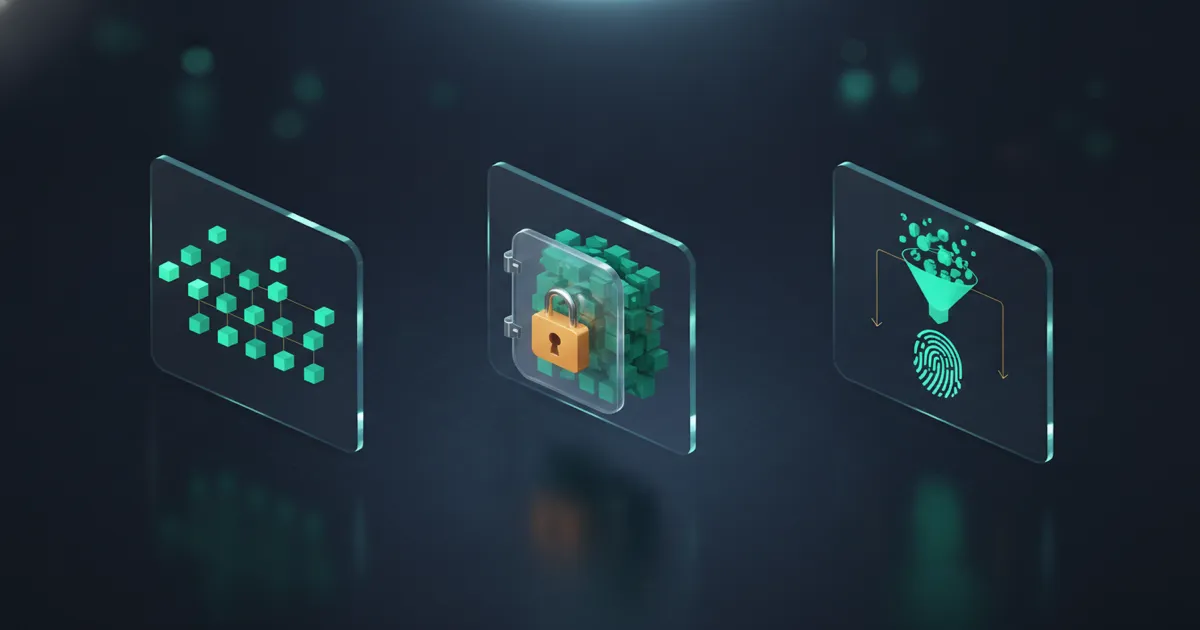
Encoding vs encryption vs hashing comes down to one question: who can reverse the result? Encoding (Base64, URL encoding, UTF-8) changes data into another format, and anyone can turn it back, because there's no secret involved. Encryption (AES, ChaCha20) can be reversed only by someone who holds the key. Hashing (SHA-256, Argon2id) can't be reversed at all; the only thing you can do with a hash is compute it again from a guess and compare. Base64 output looks scrambled, which is why it keeps getting shipped as if it protected something.
Encoding vs encryption vs hashing side by side
| Encoding | Encryption | Hashing | |
|---|---|---|---|
| Who can reverse it | Anyone | Only the key holder | Nobody; you can only guess and compare |
| Secret involved | None | The key | None (HMAC adds a key, password hashes add a salt) |
| Output size | Grows with input (Base64: +33%) | About the input size, plus nonce and tag | Fixed (SHA-256: 32 bytes) |
| Job | Get bytes through a channel intact | Keep data confidential | Verify data or passwords without storing them |
| Examples | Base64, percent-encoding, UTF-8 | AES-256-GCM, ChaCha20-Poly1305, RSA-OAEP | SHA-256, HMAC-SHA256, bcrypt, Argon2id |
The same input through each one:
"secret" --Base64-----> c2VjcmV0                anyone: decode it
"secret" --AES-256-GCM-> <random-looking bytes>  key holder: decrypt it
"secret" --SHA-256----> 2bb80d537b1da3e3…527a25b nobody: hash guesses and compare
When you're unsure which one a piece of code is doing, ask one question: can someone who doesn't have a secret get the original back? If yes, it's an encoding, whatever the variable is called.
Encoding: a format change anyone can undo
Base64 (RFC 4648) takes 3 bytes at a time and writes them as 4 characters from a 64-symbol alphabet: A–Z, a–z, 0–9, + and /, with = as padding. The URL-safe variant swaps + and / for - and _. That's the whole algorithm, so secret becomes c2VjcmV0 and goes back just as easily. Text is turned into bytes first, so é is encoded from its two UTF-8 bytes and comes out as w6k=.
Encodings exist because channels have rules. Mail was built for 7-bit text, so MIME (RFC 2045) carries binary attachments as Base64. URLs reserve characters such as ?, &, # and space, so values inside them are percent-encoded per RFC 3986 (%20 for a space). JSON has no binary type, so bytes travel as Base64 strings. In every case the goal is that data arrives unchanged, and the scheme is public on purpose so the other side can decode it.
You can check any of this in the Base64 Encoder / Decoder or the URL Encoder / Decoder. Both run entirely in your browser, so whatever you paste stays on your machine.
Where Base64 gets mistaken for protection
The confusion isn't limited to beginners' code. A few places where Base64 sits right next to secrets:
- Kubernetes Secrets: the
datafield of a Secret holds Base64 values, and the Kubernetes documentation says Secrets are stored unencrypted in etcd by default. Anyone who can read the Secret object, or the etcd data, can decode them. Encryption at rest and RBAC are what protect them, not the encoding. - HTTP Basic Auth: the
Authorization: Basic QWxhZGRpbjpvcGVuIHNlc2FtZQ==header from RFC 7617 is justAladdin:open sesamein Base64. The RFC itself calls this cleartext and says it shouldn't be used without something like TLS. - JWTs: the header and payload of a signed token are Base64url-encoded JSON. Anyone holding the token can read every claim; the signature only proves nobody changed them.
- "Obfuscated" keys in configs and app bundles: an API key stored as Base64 in a config file or a mobile app is the API key, one decode away.
The code-level version of the same mistake:
// Not protection: anyone with read access to the column gets the password back
user.password = Buffer.from(password).toString('base64')

// Password storage: one-way, salted, deliberately slow
user.passwordHash = await argon2.hash(password, { type: argon2.argon2id })
Encryption: reversible only with the key
Encryption takes plaintext and a key and produces ciphertext that is infeasible to reverse without that key. The algorithms are public (AES has been a published standard since 2001); all of the security sits in the key.
- Symmetric: one key encrypts and decrypts. Use an authenticated mode, AES-256-GCM or ChaCha20-Poly1305, which also detects tampering. Plain AES-CBC without a MAC doesn't, and that gap is where padding-oracle attacks come from.
- Asymmetric: a public key encrypts or verifies, a private key decrypts or signs. In practice it mostly protects a symmetric key (TLS key exchange,
age, PGP) rather than the data itself, because it's slow and limited in size.
A key is only as strong as the way it was made. A 256-bit AES key derived from a 40-bit password is a 40-bit key, since an attacker guesses the password, not the key. Keys should come straight from a CSPRNG; the Secret Key Generator fills them with crypto.getRandomValues(). A key built from Math.random() would come from a generator whose internal state can be recovered from a few outputs, which turns 256 bits into a guessable sequence.
Hashing: one-way, and speed decides what it's for
A hash function maps any input to a fixed-size digest. There's no key and no decode step; the input is gone. To check something against a hash, you hash it again and compare.
That makes hashing right for two different jobs, and they want opposite speeds. Integrity checks (file downloads, Git objects, HMAC on API requests) want a fast hash. Password storage wants a slow one, because a leaked hash table is attacked by guessing, and the hash speed sets the guessing rate. Measured on one RTX 4090 with hashcat 6.2.6:
| Algorithm | Guesses per second, one RTX 4090 | Good for |
|---|---|---|
| MD5 | ~164 billion | Non-security checksums only |
| SHA-256 | ~22 billion | Integrity, signatures, HMAC; not passwords |
| bcrypt, cost 10 | ~5,750 | Passwords |
| Argon2id | Depends on its memory and time settings | Passwords; each guess also costs the attacker the configured memory |
The Hash Generator computes MD5, SHA-1, SHA-256 and SHA-512 digests and HMACs; the Bcrypt Generator shows how a password hash adds a salt and a cost factor. For how to store passwords properly, see the salting and hashing guide, and for why fast hashes fail at it, what bcrypt is and why MD5 is dead.
Which one to use
| You want to | Use | Why |
|---|---|---|
| Put binary data into JSON, a data URI or an email | Base64 | The channel only carries text |
| Put an arbitrary value into a URL | Percent-encoding | Reserved characters would break the URL |
| Keep a file or a database field secret | AES-256-GCM or ChaCha20-Poly1305 | You need the original back, but only with the key |
| Protect data in transit | TLS | Encryption plus server authentication |
| Store user passwords | Argon2id or bcrypt | You never need the password back |
| Check that a download wasn't altered | SHA-256 | Compare digests |
| Prove an API request came from a key holder | HMAC-SHA256 | A hash with a shared secret key |
Base64 doesn't appear in any row about keeping something secret.
JWT: all three in one token
A signed JWT (JWS, RFC 7515) shows how the three fit together:
base64url(header) . base64url(payload) . base64url(signature)
       encoding            encoding        HMAC or RSA/ECDSA signature
The header and payload are only encoded, so paste any token into the JWT Decoder and you'll read its claims without a key. The signature, an HMAC (a keyed hash) or an asymmetric signature, proves the token hasn't been modified. Confidentiality comes from TLS around the request. If the claims themselves must stay secret, that's JWE (RFC 7516), the encrypted variant, which most APIs don't use. So don't put anything in a JWT payload that the token holder shouldn't see.
For a quick check of your own projects, search configs, manifests and environment files for long values ending in = next to names like password, secret or token, and decode one. If it comes out readable, it's stored in plaintext.
FAQ
Is Base64 a form of encryption?
No. It's an encoding with a public alphabet and no key, so anyone can decode it. Kubernetes Secrets and HTTP Basic Auth both carry secrets as Base64 and both depend on other layers (encryption at rest and access control, TLS) to keep them private.
What is the difference between encoding, encryption and hashing?
Who can reverse it. Anyone can reverse an encoding, only the key holder can reverse encryption, and nobody can reverse a hash; you can only hash a candidate again and compare the results.
Can you decode Base64 without a key?
Yes, because there's no key. atob('c2VjcmV0') in a browser console returns secret, and every language has an equivalent in its standard library.
If a hash can't be reversed, how does password login work?
The server hashes the password you submit with the same algorithm, salt and cost parameters it stored at registration, then compares the two hashes. The original password is never stored, so it never needs to be recovered.
Should passwords be encrypted or hashed?
Hashed, with Argon2id or bcrypt. Encryption would let anyone with the key decrypt every password at once, and since the application needs that key at runtime, it usually lives on the same servers an attacker gets into. Encrypt data you need back, such as files or API tokens you have to send to a third party; hash what you only need to verify.