Published: · Updated: · by kodewright
What is Bcrypt? Why MD5 is Dead for Passwords
What bcrypt is, how its salt and cost factor work, why MD5 password hashes fall in hours on one GPU, and how to migrate an MD5 table without resets.
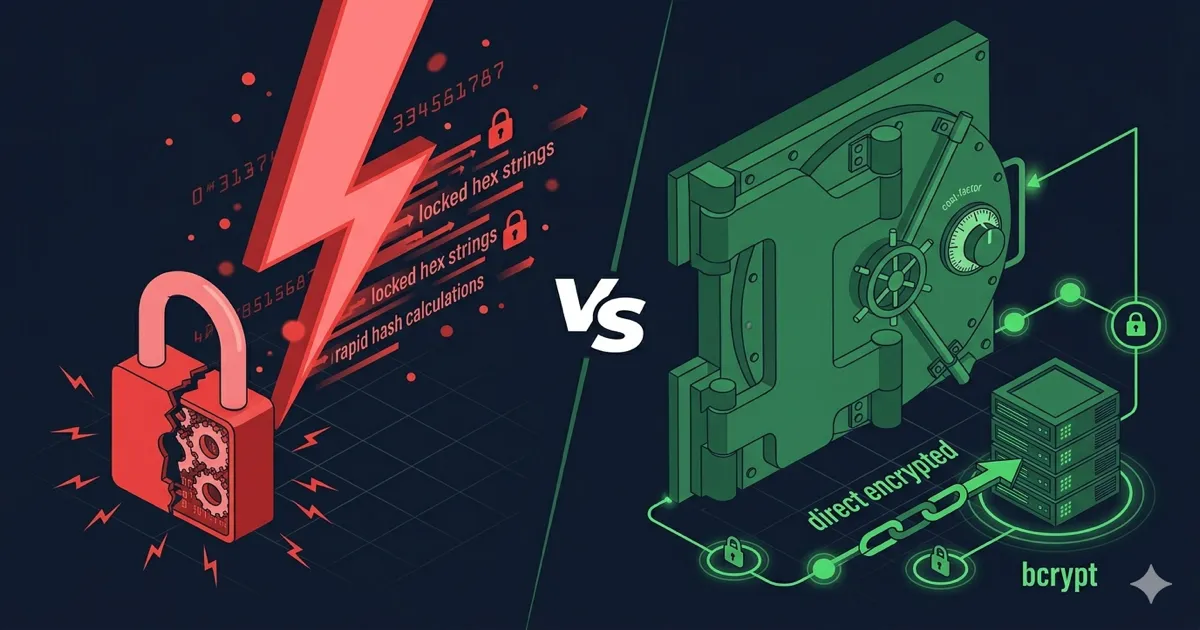
bcrypt is a password hashing function designed in 1999 by Niels Provos and David Mazières. It salts every password automatically and has a cost factor that sets how slow each hash is, so the work grows as hardware does. MD5 has neither, and it runs about 164 billion times per second on a single RTX 4090. A random 8-character password stored as MD5 falls in about 5.6 hours on average on that card; stored as bcrypt at cost 10, the same password takes around 18,000 years. That gap is the whole argument, and the rest of this post is about how bcrypt gets there and how to move off MD5.
Why MD5 is dead for passwords
MD5 (RFC 1321, 1992) was designed as a fast message digest for digital signatures. Practical collisions were published in 2004, which killed it for signatures and certificates. Collisions aren't what break MD5 password tables, though. Speed is, plus the fact that MD5 password columns are usually unsalted, so a single lookup in a precomputed table recovers common passwords instantly.
Average time to find a random password on one RTX 4090 (hashcat 6.2.6), searching half the keyspace:
| Random password | MD5 | SHA-256 | bcrypt cost 10 | bcrypt cost 12 |
|---|---|---|---|---|
| 8 chars, printable ASCII (95⁸) | 5.6 hours | 1.8 days | ~18,000 years | ~73,000 years |
| 12 chars, lowercase only (26¹²) | 3.4 days | 25 days | ~260,000 years | ~1 million years |
| 10 chars, letters + digits (62¹⁰) | 30 days | 221 days | ~2.3 million years | ~9 million years |
These numbers only hold for truly random passwords. Human-chosen ones are attacked with wordlists and rules, and against MD5 a run of 10 billion candidates finishes in about 0.06 seconds. Switching from SHA-256 doesn't help much either: it's about seven times slower than MD5, still billions per second, which is why "use SHA-256 instead" was never a fix.
How bcrypt works
bcrypt takes Blowfish's key schedule and makes it expensive on purpose. The flow when you call bcrypt.hash(password, 12):
password + fresh 128-bit random salt
        │
        ▼
EksBlowfishSetup(cost, salt, password)
  └─ repeat 2^cost times:          ← the deliberately slow part
       expand key state with password
       expand key state with salt
        │
        ▼
encrypt "OrpheanBeholderScryDoubt" 64 times with that state
        │
        ▼
"$2b$12$" + 22-char salt + 31-char hash   (60 characters, store as-is)
Each stored hash carries everything needed to verify it:
$2b$12$LQv3c1yqBWVHxkd0LHAkCOYz6TtxMQJqhN8/LevH.6/Jwejc5/Hre
 │   │  └──── salt (22 chars) ────┘└──── hash (31 chars) ────┘
 │   └ cost: 2^12 = 4,096 rounds of key setup
 └ version
Verification reads the version, cost and salt from the stored string, runs the same computation on the login attempt and compares. There's no separate salt column, and the library does the comparison for you (bcrypt.compare() in Node).
Picking a cost factor
Every +1 on the cost doubles the time per hash, for you and for the attacker. OWASP's floor is 10 and its advice is to go "as large as verification server performance will allow". There's no universal right number because it depends on your CPU, so measure on the machine that will run logins:
import bcrypt from "bcrypt";

for (const cost of [10, 11, 12, 13]) {
  const start = performance.now();
  await bcrypt.hash("benchmark-only-password", cost);
  console.log(`cost ${cost}: ${Math.round(performance.now() - start)} ms`);
}
Pick the highest cost whose time fits your login budget under realistic concurrency, not on an idle laptop. In Node, the native bcrypt package runs hashes on the libuv thread pool, which has 4 threads by default, so a burst of logins queues behind each other. That's also why the login endpoint needs rate limiting: a slow hash is a cost you pay for every attempt, including the attacker's.
When you raise the cost later, existing hashes upgrade at the next login:
const COST = 12;

if (await bcrypt.compare(password, user.passwordHash)) {
  if (bcrypt.getRounds(user.passwordHash) < COST) {
    await db.users.updateHash(user.id, await bcrypt.hash(password, COST));
  }
}
Where bcrypt shows its age
bcrypt is still acceptable, and OWASP still lists it. It has three limits worth knowing before you choose it for something new.
Input stops at 72 bytes. Most implementations silently ignore everything after byte 72, which in UTF-8 can be as few as 18 emoji. Okta hit this in 2024 when a bcrypt-based cache key that included a long username stopped depending on the password; I go through that case and the safe pre-hashing construction in the salting and hashing guide.
The version prefixes are history, not options. $2a$ is the original, $2y$ came from the crypt_blowfish fix for a sign-extension bug in 2011, and $2b$ is OpenBSD's 2014 fix for a length wraparound in very long passwords. Generate $2b$ and accept the others when verifying.
Memory use is small and fixed: bcrypt's working state is about 4 KiB no matter what cost you set. Argon2id lets you choose the memory per hash (OWASP's minimum is 19 MiB), so each guess costs the attacker RAM as well as compute. For a new system I'd use Argon2id; for an existing bcrypt table at cost 10 or more, I'd migrate during the next auth refactor rather than treat it as an emergency.
Migrating an MD5 password table
You can't rehash MD5 hashes into bcrypt without the plaintext, and waiting for every user to log in leaves dormant accounts exposed for years. The approach OWASP describes works in two steps.
First, wrap every existing hash today: store bcrypt(md5_hex) and mark the row as legacy. A leaked database now gives the attacker bcrypt hashes, not MD5. Second, on each successful login, replace the wrapped hash with a direct one:
import { createHash } from "node:crypto";

async function login(user, password) {
  if (user.hashScheme === "bcrypt(md5)") {
    const md5 = createHash("md5").update(password).digest("hex");
    if (!(await bcrypt.compare(md5, user.passwordHash))) return false;
    await db.users.update(user.id, {
      passwordHash: await bcrypt.hash(password, COST),
      hashScheme: "bcrypt",
    });
    return true;
  }
  return bcrypt.compare(password, user.passwordHash);
}
The wrapped hashes are weaker than direct ones. If your users' unsalted MD5 hashes ever leaked somewhere else, an attacker can test those MD5 values straight against the wrapper (OWASP calls this password shucking). Treat the wrapper as a stopgap, and after a few months force a password reset for the accounts that are still on it.
To see the speed difference for yourself, type a string into the Hash Generator: it computes everything locally in the page, with no request to a server, and the MD5 digest updates on every keystroke. Then put the same string into the Bcrypt Generator and move the cost slider. It shows the iteration count and the time estimate for each step, and splits the resulting hash into version, cost, salt and checksum. If you're reading this from the user's side rather than the developer's, how long it takes to crack a password covers what these speeds mean for the password you pick.
FAQ
Is MD5 safe for password storage in 2026?
No. One RTX 4090 runs about 164 billion MD5 hashes per second. A random 8-character password falls in about 5.6 hours on average, and unsalted MD5 hashes of common passwords can simply be looked up. If you inherited an MD5 table, wrap it in bcrypt or Argon2id now and rehash at login.
What is bcrypt and how does it work?
bcrypt is an adaptive password hashing function based on Blowfish's key setup. Each call generates a 128-bit random salt, runs the expensive key setup 2^cost times, and returns a 60-character string with the version, cost, salt and hash. You store that string and pass it back to compare() at login.
What cost factor should I use for bcrypt in 2026?
At least 10, per OWASP, and higher if your servers allow it. Time bcrypt.hash() at costs 10 to 13 on production hardware, pick the highest one that fits your login latency under load, and use getRounds() to rehash older hashes when users sign in.
Is bcrypt better than Argon2?
For new code, Argon2id is the better choice: it's memory-hard and has no 72-byte input limit. bcrypt at cost 10 or higher is still considered acceptable, so there's no need for an emergency migration; move bcrypt hashes to Argon2id at login when you next work on authentication.
Can I use SHA-256 for password hashing?
No. It has no cost factor and runs at about 22 billion hashes per second on one RTX 4090, roughly seven times slower than MD5, which still means a wordlist attack finishes almost instantly. Keep SHA-256 for checksums, signatures and HMAC.