Published: · Updated: · by kodewright
10 Common Password Mistakes Even Experts Make
Ten password mistakes that still catch developers and power users, from reuse and forced rotation to Math.random(), with the real numbers and a fix for each.
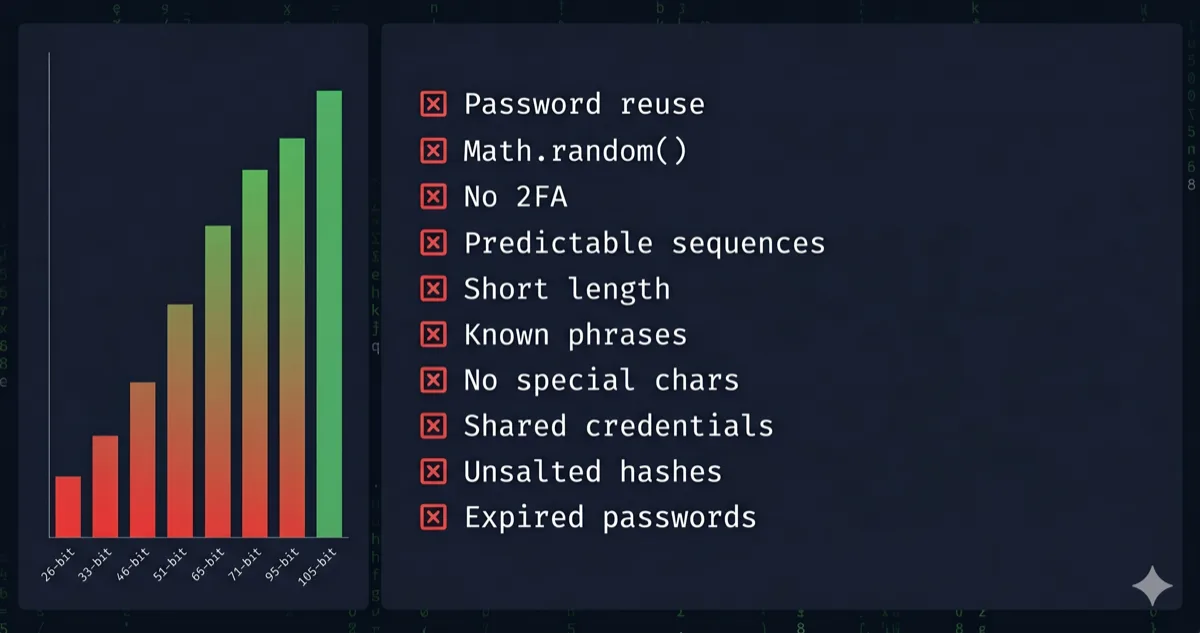
Most password advice is aimed at people who still use 123456. These ten mistakes are the ones I see from people who know better: developers, admins and careful users who slip through habit, convenience or a wrong mental model. The two worst ones on the list are also the two I've actually seen up close, one in other people and one in my own accounts.
1. One password for every account
The worst habit I've seen in real life is also the oldest: one password, used everywhere. It doesn't matter how strong it is. Once any site that stores it gets breached, attackers own the pair (your email plus that password), and credential-stuffing tools replay it against email providers, banks, shops and social networks automatically, with proxies to dodge rate limits.
Have I Been Pwned now indexes more than 10 billion breached accounts, so "nobody would bother with my account" isn't a defense. Nobody targets you; the tooling just tries everything.
The fix is a unique random password per site, which in practice means a password manager. If you can remember all your passwords, at least some of them are reused or derived from each other.
2. Creating a password and not saving it
This is my own mistake. I set a new password on an account, didn't put it in the password manager, and a few weeks later had no idea what it was. Nothing was compromised, but I had to go through the reset flow, and that flow is a reminder of who really controls the account: whoever reads your email.
The fix is a fixed order of operations. Generate the password, save it in the manager, and only then submit the "change password" form. Most browser managers offer to save on submit; don't dismiss that prompt "for later". If you use a separate generator such as my Password Generator, which runs entirely in your browser and never sends what it creates anywhere, copy the result into the manager first.
3. Counting characters instead of bits
Length matters, but only together with the character set and only if the password is random. The entropy of a random password is:
H = L × log₂(R)
H = entropy in bits, L = length, R = size of the character pool
| Charset | Pool (R) | 8 chars | 12 chars | 16 chars | 20 chars |
|---|---|---|---|---|---|
| Digits | 10 | 26.6 | 39.9 | 53.2 | 66.4 |
| Lowercase | 26 | 37.6 | 56.4 | 75.2 | 94.0 |
| Mixed case | 52 | 45.6 | 68.4 | 91.2 | 114.0 |
| Letters + digits | 62 | 47.6 | 71.5 | 95.3 | 119.1 |
| Printable ASCII | 95 | 52.6 | 78.8 | 105.1 | 131.4 |
Twenty lowercase letters (94 bits) are still weaker than sixteen full-ASCII characters (105 bits). And the table only holds for random strings. A 20-character sentence you made up has far less entropy than its length suggests, because cracking tools try words, phrases and keyboard patterns long before they brute-force characters. I go through where the useful thresholds sit in why 12 characters is the floor.
4. Treating composition rules as a strength target
"One uppercase, one digit, one symbol" produces Welcome1! and Password2026!. Both pass the rule, and both are among the first candidates any rule-based attack tries, because people satisfy the rule the same way: capital first letter, digits and a ! at the end.
NIST SP 800-63B stopped recommending composition rules for this reason. What it asks verifiers to do instead is allow long passwords (at least 64 characters) and reject ones that appear in breach and common-password lists. If you run a site, that's the rule worth implementing. As a user, ignore the rule's minimum and use a generated password that happens to satisfy it.
A caveat about meters, including mine: the Password Strength Checker computes entropy from the character set and length, so it rates Welcome1! far higher than a dictionary attack would. Use it to compare random passwords, not to bless one you invented.
5. Rotating by incrementing
Summer2025! becomes Autumn2025!, Password7 becomes Password8. Forced rotation produces exactly this, and attackers who crack one version of your password try the obvious next ones first. NIST SP 800-63B says verifiers shouldn't require periodic changes at all, only a change when there's evidence of compromise.
When you do change a password, replace it with a new random one. A mutation of the old password protects you from nobody who has seen the old one.
6. Building passwords from your own life
Pet names, kids' birthdays, the street you grew up on, your football club. These feel private but are often public on social profiles, and cracking wordlists include names, dates and places in every common format. Even without targeting you, a name plus a year is a tiny search space.
If a password is memorable because it means something to you, assume it's guessable. The only passwords that need to be memorable are the few you type without a manager, and those should be random passphrases (see mistake 8).
7. Generating passwords with Math.random()
This one is for developers writing a quick script or a "generate temporary password" endpoint. Math.random() isn't a cryptographic generator. V8 implements it with xorshift128+, and its internal state can be recovered from a handful of outputs, after which every past and future value is predictable.
Use the platform's CSPRNG instead: crypto.getRandomValues() in the browser and Node, secrets in Python, crypto/rand in Go. Also watch the mapping from random bytes to characters. byte % charsetLength biases some characters whenever 256 isn't a multiple of the charset size; rejection sampling avoids that.
// Unbiased random index in [0, n) using rejection sampling
function randomIndex(n) {
  const limit = 256 - (256 % n);
  const buf = new Uint8Array(1);
  do { crypto.getRandomValues(buf); } while (buf[0] >= limit);
  return buf[0] % n;
}
8. A weak master password, or a manager you treat as magic
A password manager fixes reuse. It doesn't fix a weak master password, a phishing page you type the master password into, or malware on the machine where the vault is open. I compared what browser managers and dedicated ones do and don't protect in are browser password managers safe.
The master password is one of the few you have to remember, so make it a random passphrase. With the EFF large wordlist (7,776 words), each randomly chosen word adds about 12.9 bits:
H = W × log₂(7776) ≈ W × 12.92
6 words ≈ 77.5 bits
Six words means about 2.2 × 10²³ possible phrases. The words have to be picked by a random process (dice or a generator), not by you, and never copied from an example in an article. The Password Generator has a passphrase mode that shows the entropy as you change the word count.
9. Ignoring how the site stores your password
How long a password survives a breach depends on the hash the site used as much as on the password. Online guessing is throttled: NIST SP 800-63B caps failed attempts at 100 per account before the verifier must slow down or lock. Offline, after a database leak, the attacker runs as fast as the hash allows.
| Scenario (one RTX 4090, hashcat 6.2.6) | Guesses per second | 8 random ASCII chars, average |
|---|---|---|
| Online login with lockout | ~100 per account in total | Never |
| Offline, MD5 | ~164 billion | 5.6 hours |
| Offline, bcrypt cost 10 | ~5,750 | About 18,000 years |
You can't choose how a site hashes. You can assume the worst for any service that looks old or cheap and give it a long random password, which costs you nothing when a manager types it. If you build login systems, use bcrypt, scrypt or Argon2id with current parameters; the Bcrypt Generator shows what a cost factor does to hashing time. The full table for other lengths is in how long to crack my password.
10. Fixing only the account that leaked
When a breach notice arrives, most people change the password on that one site and stop. If that password, or a close variant of it, was used anywhere else, those accounts are the ones attackers will try next.
After a breach, search your manager for every account that used the same or a similar password and replace all of them, starting with email, because email resets everything else. Then turn on 2FA where it's missing. I put the full order of steps in what to do in the first 48 hours after a data breach.
If you only do one thing from this list today, open your password manager's security or "reused passwords" report and work through it from the top.
FAQ
What is the most common password mistake?
Reusing one password across accounts. A leak at any one site gives attackers a working email and password pair, and credential-stuffing tools try it everywhere without anyone typing anything.
Is a 12-character password still secure in 2026?
If it's random and uses the full printable ASCII set, yes: about 79 bits, which one RTX 4090 would need over 50,000 years on average to exhaust even against MD5. If it's 12 lowercase letters, it's 56 bits and falls in about 3.4 days on average against MD5. NIST's current guidance asks for at least 15 characters when a password is the only factor.
Does changing passwords frequently make them more secure?
No. Scheduled changes push people into predictable patterns, and NIST SP 800-63B tells verifiers not to require them. Change a password when it has leaked or you suspect it has.
What should I do if I forgot a password I never saved?
Reset it through the site's recovery flow, then save the new one in your password manager before confirming the change. Check that your recovery email and phone are current while you're there, since they are what got you back in.